How to apply
How to Apply for an International Driving Permit
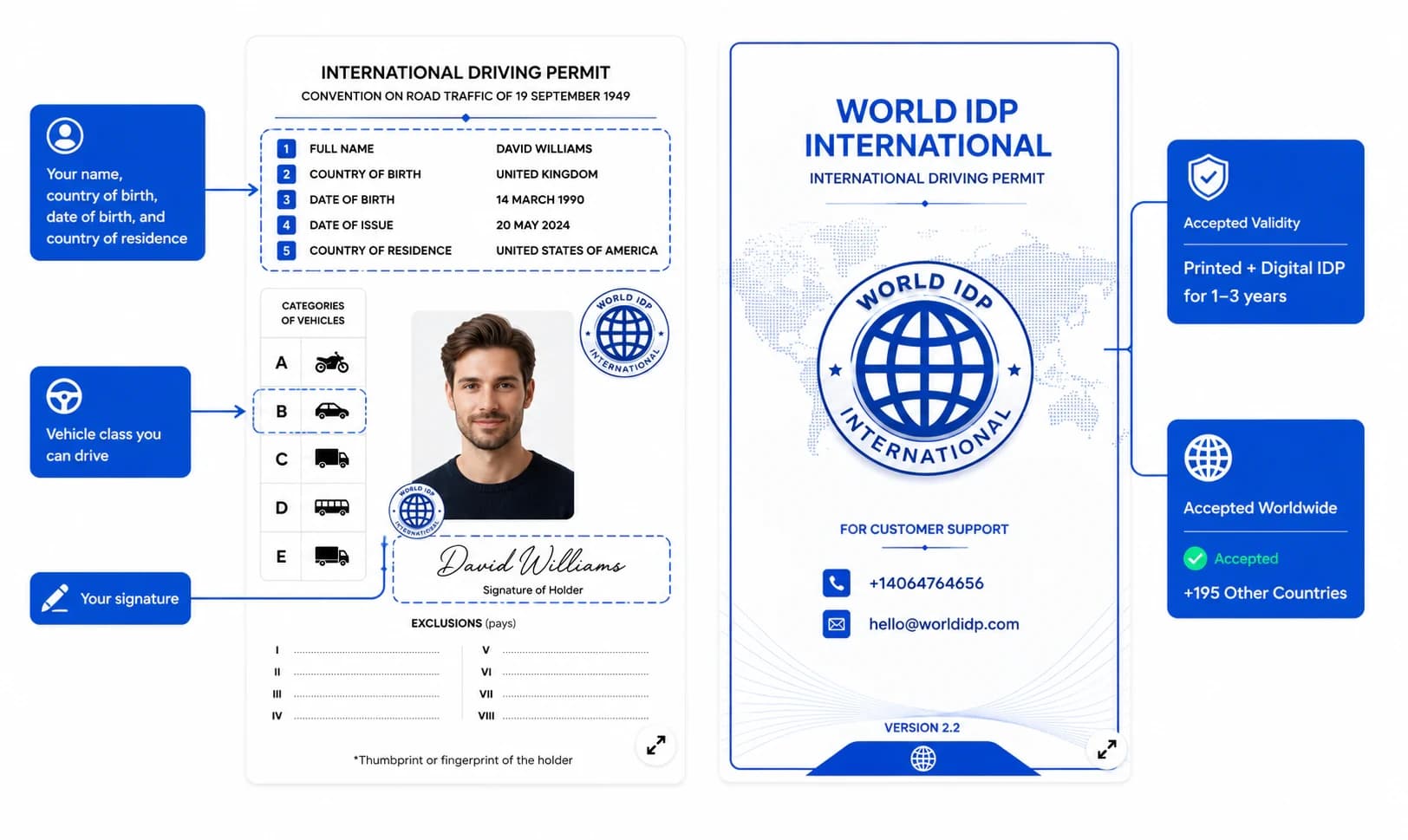
Everything you need to get an International Driving Permit online — eligibility, required documents, processing time, and how digital and printed delivery work. No office visit, no appointment, and nothing to mail in.
3
steps to apply
2
delivery formats
0
office visits
DIRECT ANSWER
Before you start
Who can apply
- You must be 18 years of age or older.
- You need a valid, unexpired driver's license issued in your name.
- Provisional, learner, and expired licenses generally aren't eligible — see the FAQ below.
Required documents
The application stays simple — these are the standard items based on your original driver's license.
Valid driver's license
Your document is created from the details on your original, unexpired license.
Selfie
A clear, front-facing photo with good light and a plain background.
Signature
Draw it on screen or upload a photo — it's added to the prepared document.
Photo requirements that prevent delays
- Photograph your license flat and out of any plastic sleeve or wallet — sleeves cause glare that obscures details.
- Keep all four corners and edges of the license visible in the frame.
- Use a photo taken specifically for this application — old, scanned, or screenshotted photos are usually rejected.
- Avoid heavy compression — if text on the license looks blurry or pixelated once uploaded, retake it.
- Photocopies aren't accepted — the license must be photographed or scanned directly.
Step by step
How to Get Your International Driving Permit — Step by Step
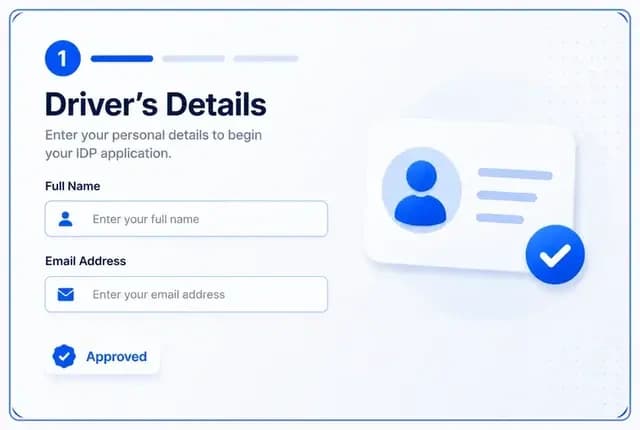
Enter your driver details
Fill in your name, date of birth, license categories, and where you're travelling. The form is a single guided flow — no account or password needed.
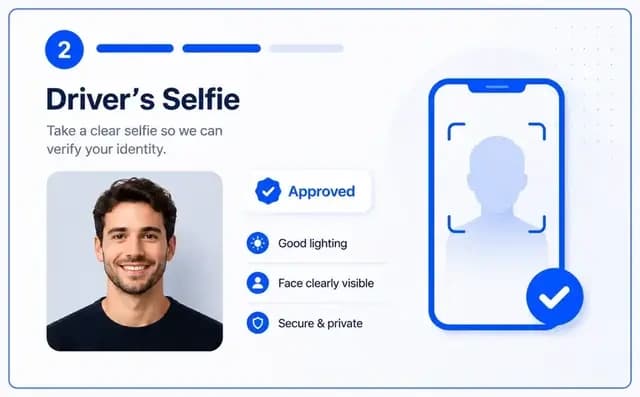
Upload your documents
Add a photo of the front and back of your license, a selfie, and a signature. You can draw your signature directly on screen.
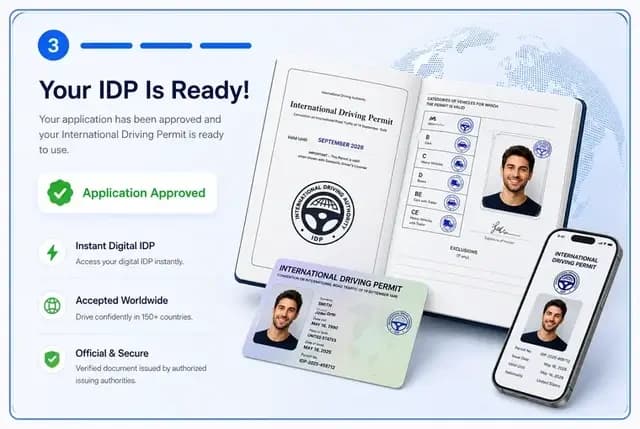
Pay and let our team review
Pay the one-time fee for your chosen format, then a person checks your details and documents for anything that could cause a delay before your permit is approved and prepared.
Payment
One-time payment, no subscriptions
You pay once, after completing the guided form, for whichever format you choose — digital, printed, or both. There are no subscriptions or recurring charges.
View pricingReview & approval
Review, approval, and processing time
A member of our team reviews your details and uploaded documents before your permit is approved and prepared — this catches issues like an unreadable photo before they cause a delay. We can't guarantee approval; an application can be sent back for a quick correction if something doesn't check out. Once your application is submitted, paid, and approved, your digital IDP is typically delivered in approximately 8 minutes.
Delivery
Digital vs. printed permit
A digital copy is a downloadable, travel-ready document you can show on your phone at a rental counter or roadside check — typically emailed in approximately 8 minutes once your application is submitted, paid, and approved. A printed booklet in the standard IDP format is also available, shipped after your application is reviewed and approved.
Compare document options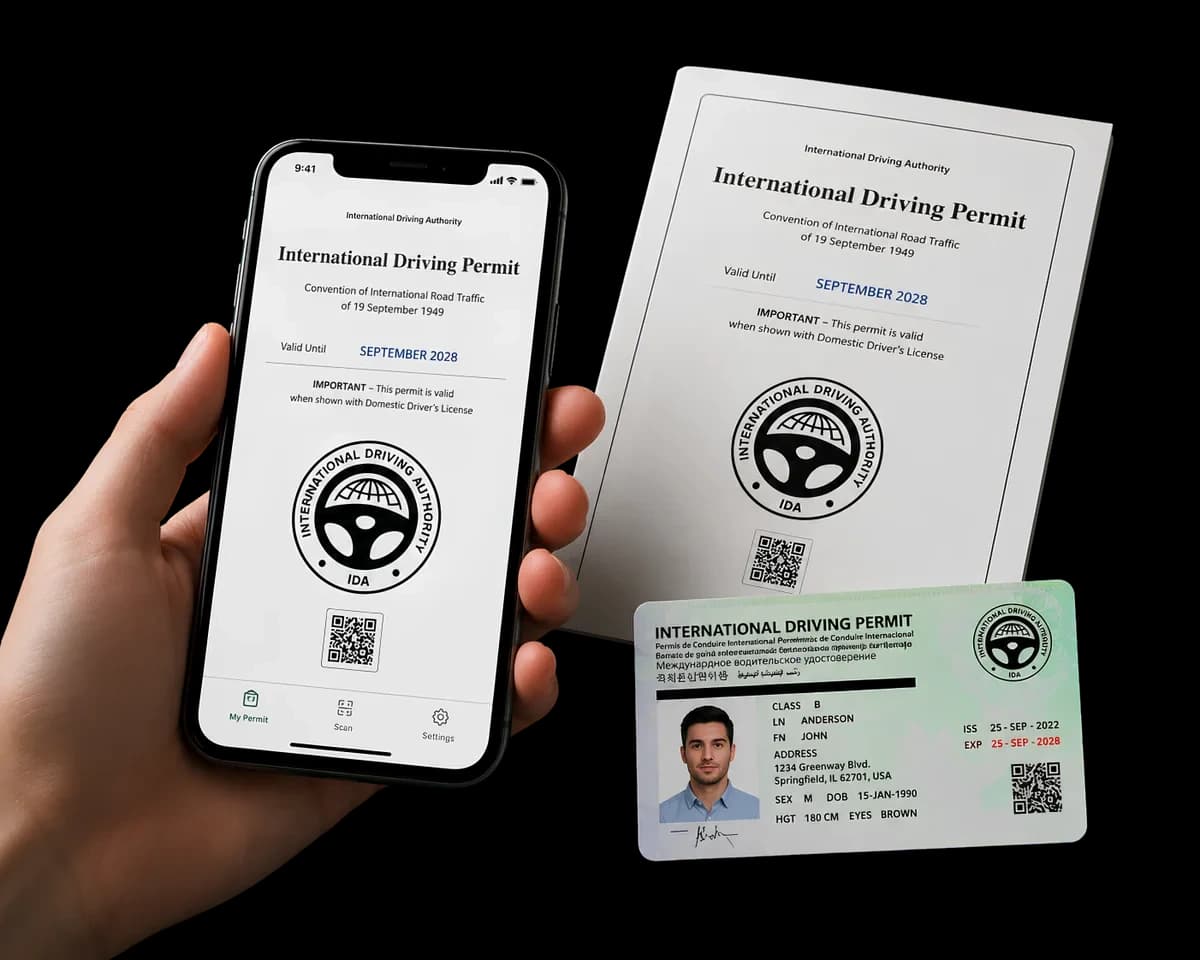
Printed delivery
Shipping for a printed booklet
If you choose a printed booklet, it ships after your application has been reviewed and approved — not before. We don't promise a specific delivery date, since shipping time depends on your destination and local postal handling. Your digital copy, if you selected one, is typically available well before a printed booklet arrives, so many travelers use it to start and treat the printed booklet as a backup.
Read our shipping & delivery policy →Avoid delays
Common mistakes and how corrections work
Most delays come from images that are hard to read. These checks keep things moving.
Plastic-sleeve glare
Take the license out of any wallet or sleeve before photographing it.
Cropped or cut-off edges
Keep all four corners of the license visible in the frame.
Blurry or compressed uploads
Retake the photo if any number, name, or expiry date is unreadable.
Old, scanned, or screenshotted photos
Use a fresh photo taken for this application, not a saved image.
Missing signature
The application can't be reviewed until a signature is added.
Details that don't match your license
Double-check spelling, dates, and license number against the original.
If something in your application needs attention, our team contacts you using the details you provided so you can fix it before your permit is prepared — you don't need to start over.
What the document does — and doesn't do
What it does
- Translates your license details into multiple languages
- Helps border staff and rental counters understand your license
- Gives you a digital and, optionally, a printed copy
What it doesn't do
- Replace your original driver's license
- Independently grant driving rights
- Guarantee acceptance by every police officer or rental company
Before you travel
After approval and before you travel
Once your permit is prepared, carry it together with your original, valid driver's license every time you drive abroad — it's a companion document, not a replacement. Requirements differ by destination, so check your destination's guide for what's typically expected there before you go.
Browse destination guides →Expert tips
Practical tips before you apply
- Apply before your final week of travel prep, not the night before you fly, in case anything needs correcting.
- Make sure the name and details you enter match your driver's license exactly — small mismatches are a common reason for a follow-up request.
- If you're choosing printed delivery, start well ahead of your trip — see the shipping section above.
- Keep a digital copy accessible on your phone even if you also choose printed, so you always have a backup on hand.
FAQ
Application questions, answered
Ready to start your application?
The guided form has no time limit — complete it at your own pace.
Start applicationRelated
Guides and resources
Everything referenced on this page, in one place.